
Browse articles
- Getting started
- How Monument models finance
- Revenue from resourcing
- Fixed fees
- Budgeting costs
- Recording expenses
- Recording revenue entries
- Going further
- Formula based pricing and construction cost
- Recurring and periodic fees
- Revenue from expenses
- Modifiers: contingencies and discounts
- Progressive billing
- Pricing templates
- Operational expenses
- Control access to business finances
- Control access to rates
- Control who can create projects
- Control project administration
- Control staff and team management
- Control expenses and claims
- Control report definition editing
- Control access to contacts
- Give full project control with Owner
- Manage project work without changing money
- Let project members edit tasks safely
- Share a project safely with Viewer
- Let a team lead coordinate shared work
- Share teammate profiles without management access
- Keep team members focused on their own work
Control access to rates
Expose the organisation rate catalogue without exposing salaries or business profitability.
What you'll achieve
Set and verify Hidden or View access to the organisation rate catalogue.
You'll end up with: Marcus Webb has Director access and can inspect the rate catalogue without changing it.
Before you start
Rates is its own authority
Rates controls global billable and cost catalogue shells, versions, defaults, and inherited values for staff, roles, and teams. It is independent of Business finances. A rates specialist can manage the catalogue without gaining salary, overhead, or profitability access.
Project billing values still require project Revenue. Project cost values still require project Expenses. Rates does not substitute for either permission.
Compare a denied catalogue with read-only access
- 1
Open Marcus Webb's Access tab, save Contributor, and start Preview.
- 2
Confirm Resources is restricted while Rates is Hidden.
- 3
Stop Preview, save Viewer, and start Preview again.
- 4
Open Resources and confirm Rates is visible while Add Rate remains hidden.
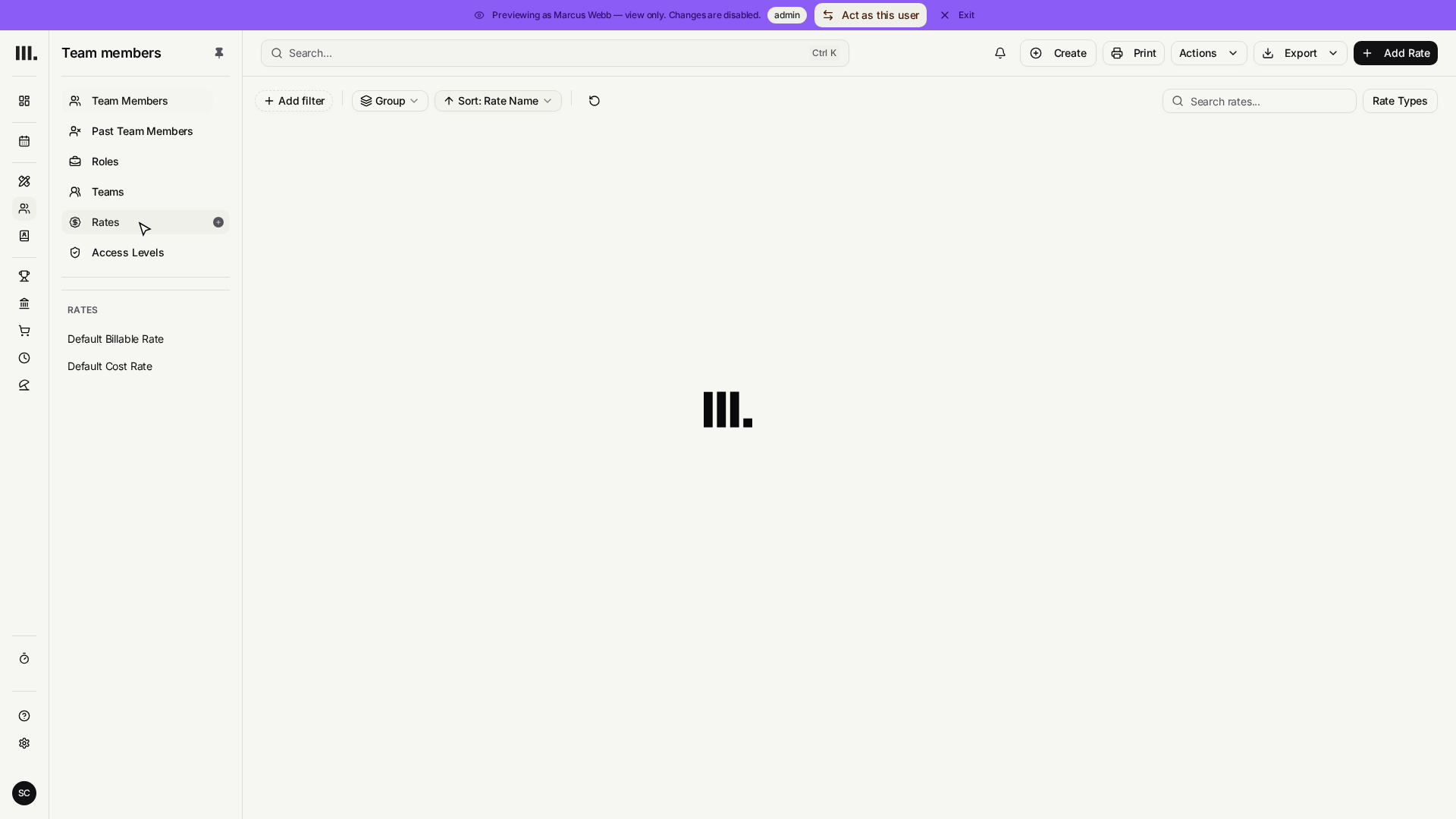
Salaries, salary periods, overhead, profitability, and global other rates require Business finances. Neither account capability implies the other.
Troubleshooting
- Resources is missing. A person needs profile access, Rates, or Staff and team management to enter the Resources area.
- A project rate is visible while the catalogue is hidden. Project Revenue or Expenses can authorize the applicable billing or cost value on that admitted project.
- Add Rate is absent under Viewer. This is correct. Viewer has Rates View, not Edit.
Where this fits next
See rates and rate history for catalogue maintenance, or continue to Create projects.
Search Monument help
Search help articles and open a result.