
Multi-office
Run offices together while keeping their identities distinct.
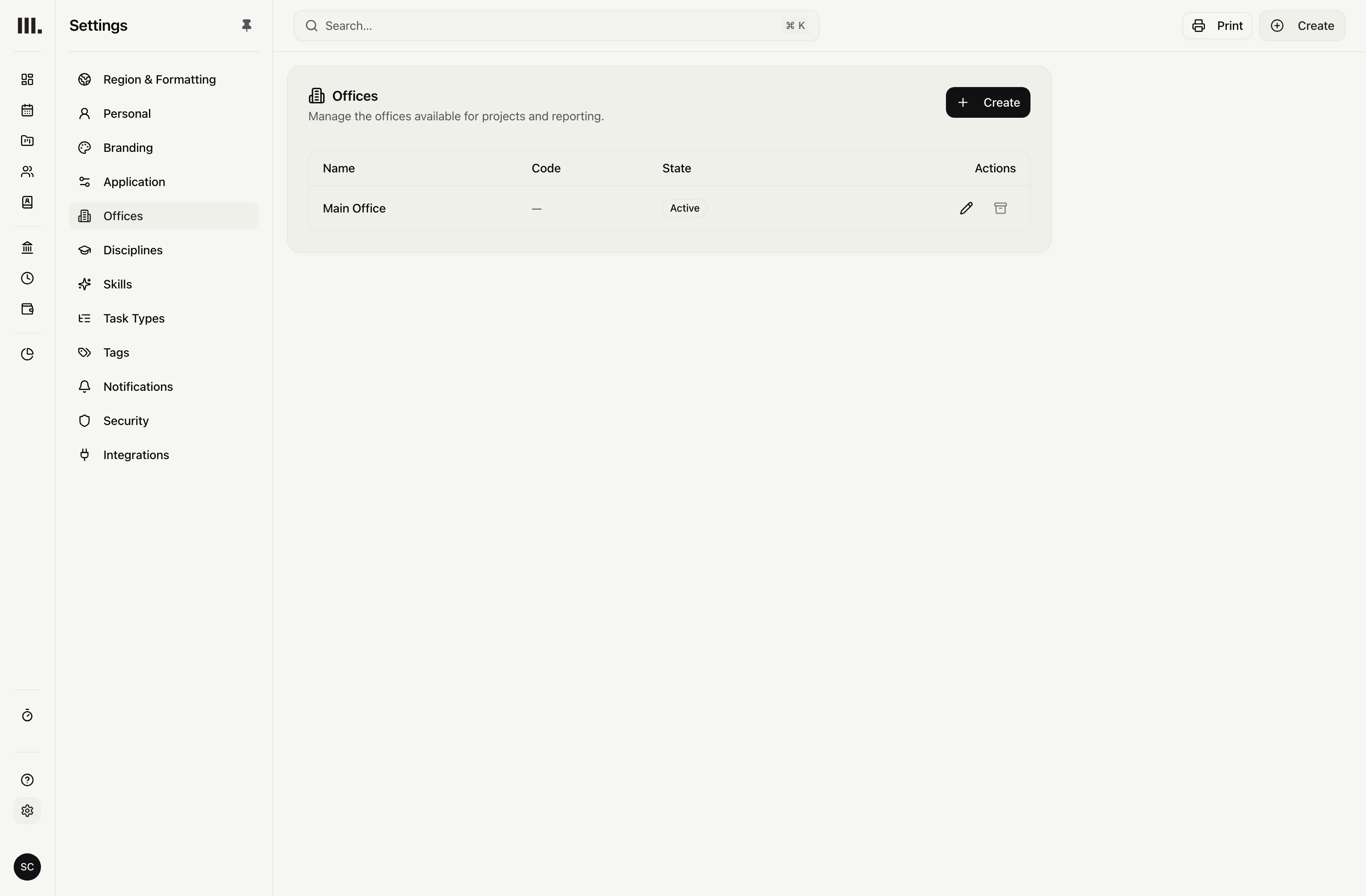
Assign projects and people to an office, filter the practice across offices, stamp documents with the right issuer and limit finance access by office.
Give work and people an office.
Use a project office and each person's home office to organise the work, then filter schedules and group people and roles across the practice.
Project office
Keep the office responsible for the project attached to that project.
A home office for each person
Give each person a home office for operational planning and defaults.
Office views
Filter chosen offices at once and group people and roles by office.
Send each document from the right office.
Use the appropriate office name, address and payment details on invoices, quotes and purchase orders.
Legal identity
Use the office legal name, logo, address and contact details.
Payment details
Put the applicable office’s payment details on the document.
Document history
Keep archived offices available for documents already issued.
Match finance access to office responsibility.
Start with the relevant financial permission, then allow all offices or selected offices. Associate accounting connections and document numbering with the office.
All or selected offices
Set office access for a role or an individual.
No selected office, no access
An empty or invalid office restriction reveals no financial data.
Office billing setup
Associate accounting connections and document numbering with an office.
Combined company accounts stay separate.
Monument coordinates offices inside one organisation. Separate companies, base currencies, exchange-rate conversion and cross-currency accounts stay in the accounting system.
Resource the practice
Explore related capabilities
One plan across offices. Access by office.
Book a demo to see how one project from your practice moves through Monument.