
Capacity & leave
See overload before promising the work.
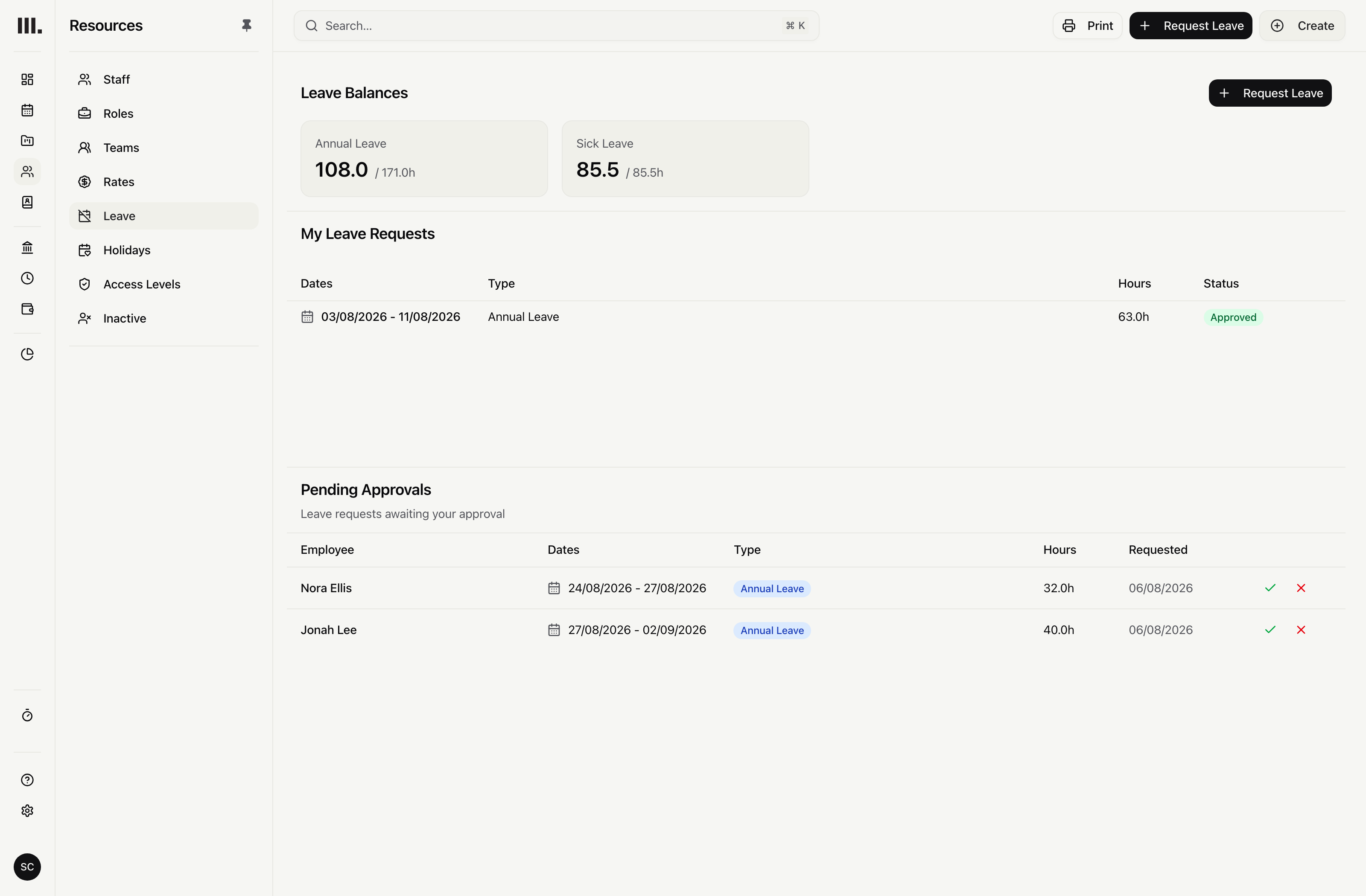
Work patterns, pending and approved leave, and public holidays reduce available hours. The project schedule compares those hours with future work.
Start with hours people can work.
Build each person’s available hours from a weekly or fortnightly work pattern before comparing them with future work.
Weekly or fortnightly patterns
Represent part-time days and alternating weeks instead of applying one practice-wide week to every person.
Planned versus available hours
Compare future planned hours with the hours left on the same schedule.
Leave-adjusted workload
Use work patterns, holidays and relevant leave when comparing planned hours with time available.
Put absence into the plan early.
Show requested leave and public holidays before more hours are assigned, then keep approved dates in the plan.
Pending requests are visible
Hold the requested dates in the plan while the leave decision is pending.
Approved dates stay reduced
Keep approved leave in the schedule so planned hours are compared with the person’s remaining time.
Public holidays apply by date
Subtract public holidays before comparing planned work with available hours.
Pending leave makes the plan cautious.
Requested dates reduce available hours before approval. The practice may hold back work that the person later becomes free to take; approved leave keeps the hours reduced.
Resource the practice
Explore related capabilities
Leave counts before you commit the team.
Book a demo to see how one project from your practice moves through Monument.