
Accounting sync
Keep project work in Monument and accounting in Xero, QuickBooks Online or MYOB.
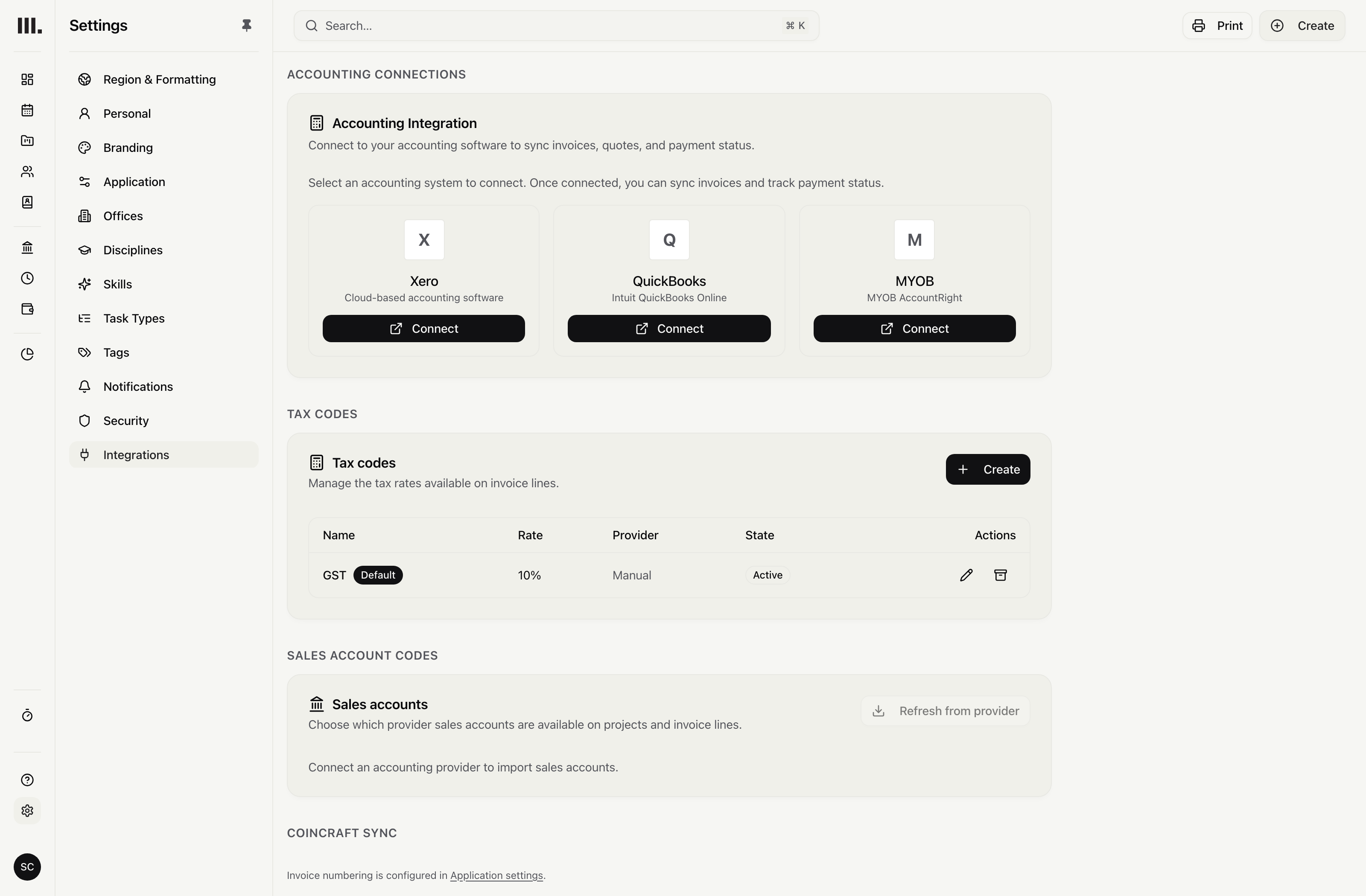
Monument pushes new and updated invoices to Xero, QuickBooks Online or MYOB while stages, planned hours, fees and invoice preparation stay in Monument.
Push invoices to your accounting system.
Connect Xero, QuickBooks Online or MYOB securely, then push Monument invoices into the accounting system.
Secure connection
Authorise Xero, QuickBooks Online or MYOB without sharing accounting passwords.
New invoices sent
Create the corresponding invoice in the connected provider.
Invoice updates
Send supported changes when a connected Monument invoice is updated.
Bring back the available status.
Xero returns detailed payment records and status; QuickBooks Online and MYOB return invoice balance and payment status.
Detailed Xero payments
Bring detailed payment records and status back from Xero.
QuickBooks status
Bring invoice balance and payment status back from QuickBooks Online.
MYOB status
Bring invoice balance and payment status back from MYOB.
Keep project work in Monument.
Run stages, planned hours, fees, invoicing and planned profit in Monument while the accountant keeps Xero, QuickBooks Online or MYOB.
Project work in Monument
Keep stages, fees and planned hours with the delivery plan.
Project details stay on the invoice
Prepare the invoice from Monument project information before sending it to accounting.
Your accountant keeps their system
Keep the provider and accountant instead of replacing either one.
What each provider returns
QuickBooks Online and MYOB return invoice balance and payment status, not individual payment records.
Bill the contract
Explore related capabilities
Project work in Monument. Accounting stays put.
Book a demo to see how one project from your practice moves through Monument.