
Milestones
Tie every milestone to the work it represents.
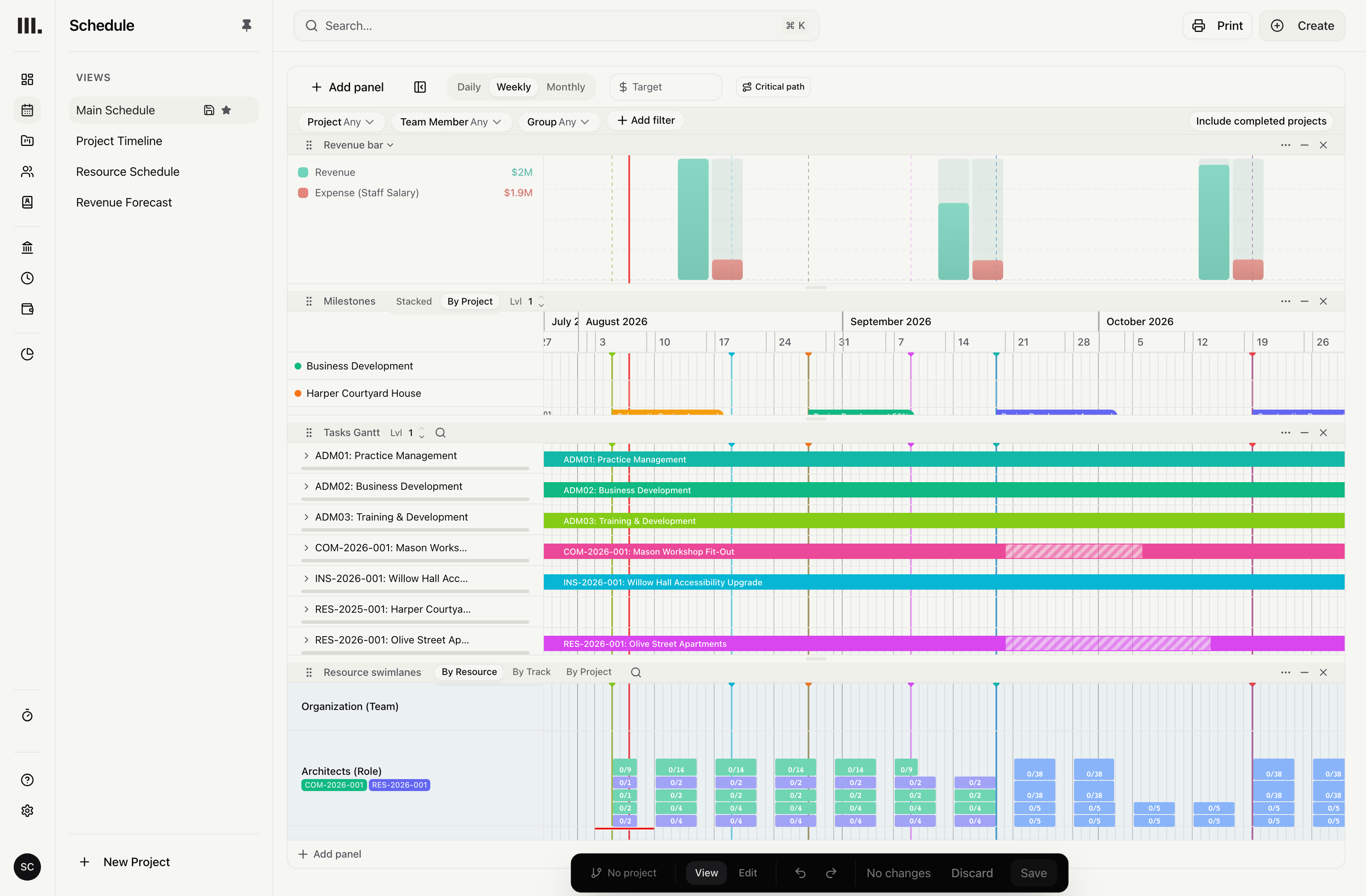
Set a target date and the percentage of work each milestone represents. Use the whole task, or select the fees, costs and hours that contribute to its planned value.
Say what each milestone is worth.
Use a task-progress percentage, or name the fee, cost and hours items that contribute and set a percentage for each.
A dated project event
Place the milestone on the schedule so its target date remains visible beside the delivery plan.
Task progress
Apply the chosen progress percentage to that task’s fees, costs and hours.
Choose what contributes
Count only the named items at their stated percentages; unlisted items do not contribute.
Let each stage shape planned value.
For a milestone based on selected items, only those items contribute. An item with no value contributes zero; a partial percentage counts only that share.
Value by stage
Allocate milestone value according to the stages that contribute to the scheduled event.
Partial progress stays partial
Multiply task totals by the stated progress percentage instead of claiming the task’s full value.
Milestone date, value and contributing items
Review the milestone date, contributing items and planned value beside the same stages and tasks.
Milestones plan value. Accounts record it.
Name the task progress or the fee, cost and hours items that count. The planned value stays a plan until it is invoiced.
Plan stages, scopes and milestones
Explore related capabilities
Each milestone earns what its stage delivered.
Book a demo to see how one project from your practice moves through Monument.